

Key Takeaways
- Working from home makes kids’ device volume a work problem, not just a parenting one — and it needs a work solution.
- Noise interruptions cost more than the moment. According to Gloria Mark’s research at UC Irvine, it takes an average of 23 minutes and 15 seconds to fully recover focus after an interruption.
- Android’s native parental controls don’t cap speaker volume — Samsung’s media limiter only works with headphones, and Google’s Family Link doesn’t touch volume at all.
- Kids Feel Secure lets you set a hard speaker volume cap on your child’s device remotely — no cooperation from your child required.
You’re twenty minutes into a call that matters. Professional face on, good points being made — and then a tablet on the other side of a closed door absolutely loses its mind. A YouTuber at full volume. A game. A cartoon character hitting a frequency that shouldn’t be legal indoors.
You mute yourself, do the frantic pointing gesture at no one, and spend the next thirty seconds hoping the other person chalks it up to a neighbour.
They didn’t.
If you work from home with kids in the house, managing your child’s phone or tablet volume is one of those daily friction points that sounds minor until you’re living it. You address it, it comes back. You address it again. Nothing sticks — and the reason nothing sticks is worth understanding, because it changes how you approach fixing it.
It’s Eating More of Your Workday Than It Looks Like
A noise interruption feels like a five-second problem. But Gloria Mark’s research at UC Irvine — “The Cost of Interrupted Work,” CHI 2008 — found that after an interruption, it takes an average of 23 minutes and 15 seconds to fully return to the task you were doing. Not because you’re being precious about it. Because that’s how long cognitive refocusing actually takes.
So, if your child’s tablet goes off twice before lunch, you’ve potentially lost close to an hour of real focus — not from the noise itself, but from the recovery. To add to that, there’s the background anxiety of knowing it could happen during a meeting. And don’t forget the split attention of half-listening for what’s coming from the next room while trying to hold a conversation. All these add to a meaningfully harder workday, every day.
The Fixes That Almost Work (But Don’t)
Most parents trying to get their kids’ phone volume under control go through the same sequence. You set the volume yourself before handing over the device, which works until they adjust it about ninety seconds later.
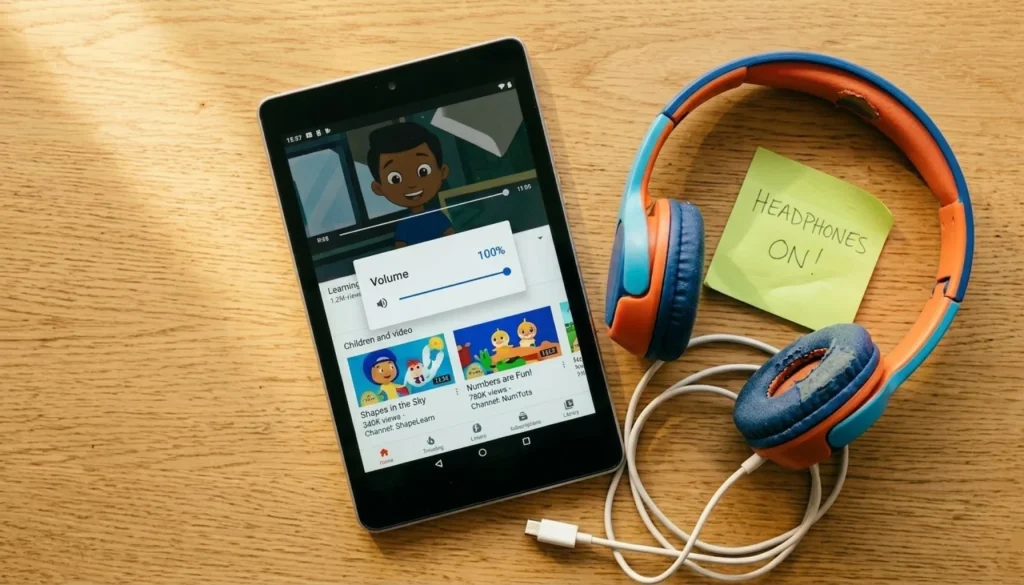
You try headphones — lost, broken, or “too uncomfortable” within a week, and even when they’re physically present, getting a child deep in a video to wear them requires an act of will they don’t have in that moment. You use screen time as a threat, which lands once and then becomes a bluff they’ve already called.
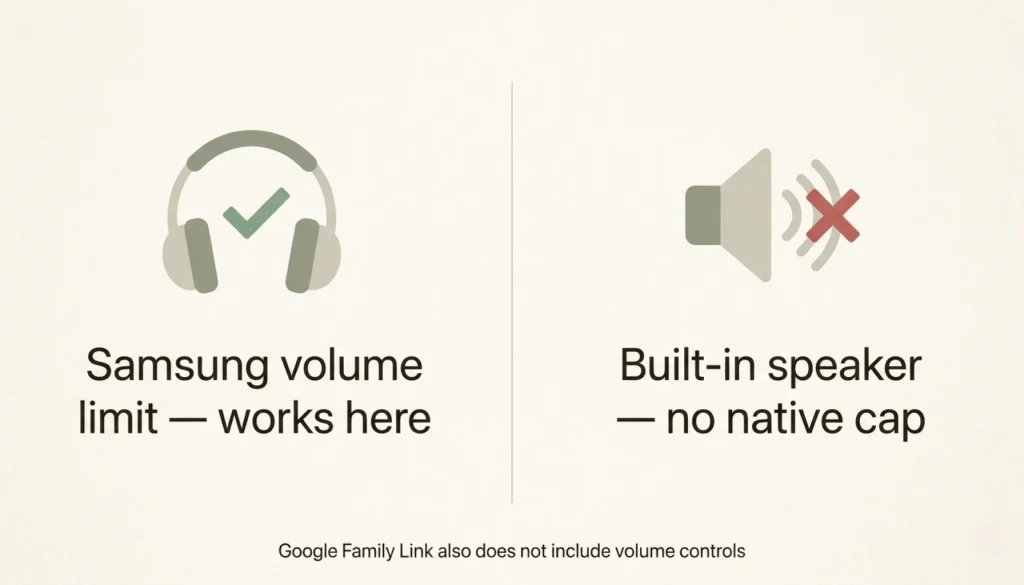
At some point, you probably also went looking through Android’s parental controls for a way to cap the volume properly. If your child has a Samsung, there’s a media volume limiter in the sound settings — but it only activates when headphones or Bluetooth are connected. The built-in speaker, which is where all the noise is coming from, has no native cap. Google’s Family Link is a solid parental control tool for screen time and app approvals, but it doesn’t touch volume at all. It’s a genuine gap that catches a lot of parents off guard, because it seems like exactly the kind of thing that should be there and just… isn’t.
A work problem needs a work solution — something that limits your child’s device volume without requiring their cooperation, that you can adjust remotely without crossing the house, and that holds in the background while you get on with things. That’s not a conversation. That’s a setting.
How to Actually Set a Volume Limit on Your Child’s Phone or Tablet
Kids Feel Secure is a parental control app built around the things Android’s native settings won’t do, and remote speaker volume control is its most useful feature for this problem. You set a maximum volume cap on your child’s device from your own phone. Not a suggestion — a hard ceiling the speaker physically can’t exceed, whether you’re in the next room or on a call. Your child can still adjust volume freely within the range you’ve set, so it doesn’t feel like a lockdown to them. They just can’t push into the range that’s been causing the problem.
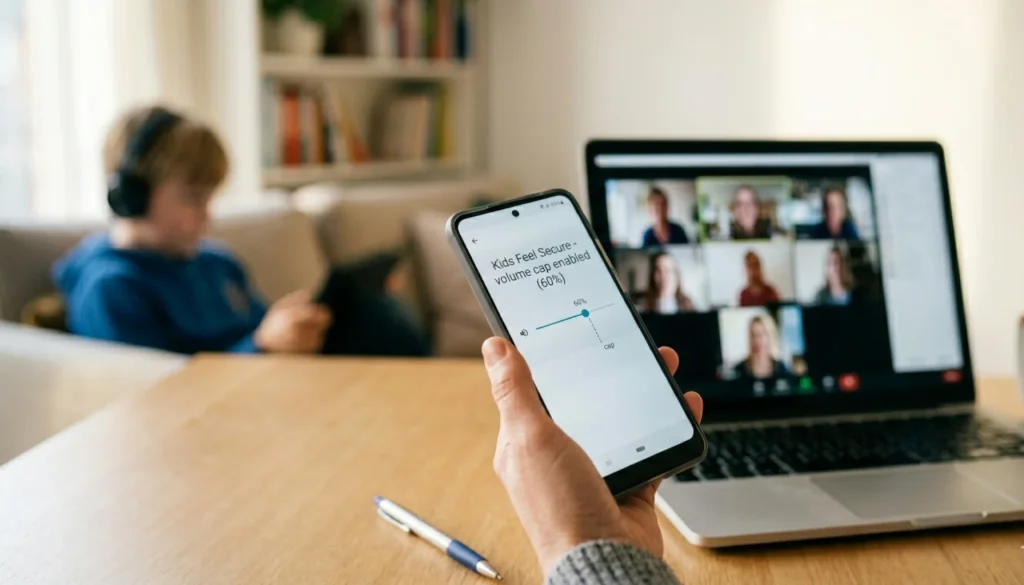
In practice, most parents using it for WFH set a moderate cap during work hours, drop it further before important calls, and lift it in the evenings. Once it’s running, you stop thinking about it. The device does what you need it to do, without the daily negotiation.
There’s also a longer-term benefit that’s easy to overlook. When moderate volume is the consistent baseline, kids stop defaulting to maximum as their starting point. The habit of turning the volume up recalibrates quietly over time — which is more than you’d get from any number of reminders.
One Less Thing to Chase
Working from home with kids is a negotiation on enough fronts already. Device volume doesn’t have to be one of them. If you’ve been searching for a way to restrict volume on your child’s phone and kept hitting dead ends, you’re far from being the only one — and Kids Feel Secure is the straightforward answer Android doesn’t give you out of the box.
Leave a Reply